To change profile name please follow below steps
1. Click "Menu" button from top right corner.

2. Click "Profile" menu
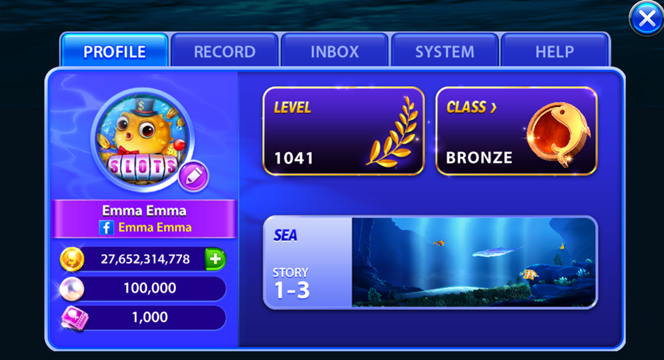
3. Click "Edit" button next to profile image
4. Click "Edit" button
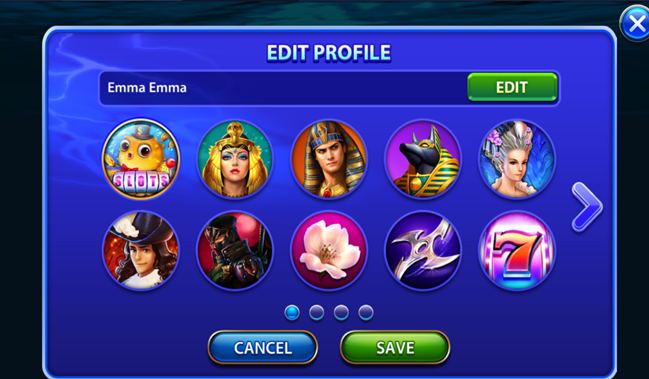
5. Save new profile name
HELP CENTER
To change profile name please follow below steps
1. Click "Menu" button from top right corner.
2. Click "Profile" menu
3. Click "Edit" button next to profile image
4. Click "Edit" button
5. Save new profile name